It's been less than a year since my last major update to my website, and I've now just rebuilt the whole thing. Welcome to my new website!
What was wrong with the old website?
The previous website was built with Wordpress (hosted with Dreamhost). I originally picked this because it seemed user-friendly and flexible, while providing control over my site data (at least more so than Tumblr and Squarespace, which I used before).
Wordpress worked fine, but I found that in order to be so flexible and easy to use, it was way more complex than I really wanted. Wordpress is dynamic, which I learned recently means that pages are generated on the fly. (I was clearly not trained as a web developer.) So there are lots of moving parts under the hood: a SQL database, PHP scripts, all the site files and media, the web interface for managing the site. Then on top of that, there are themes and plugins to add additional features.
I realized that I didn't fully understand all these moving parts, nor did I care to. There were so many pieces and layers that relatively simple things like backing up the site, or migrating to another host, began to look like major projects.
In my last update, I tried to make the old website look more "minimal," but the core of it was all wrong.
At their most basic, websites can just be static pages—no scripts, no databases, just lightweight HTML files that sit on the server. This is all you really need for a personal website, and many people more knowledgeable than me figured this out ages ago and just have static personal websites. I, too, wanted to go back to basics.
How this website is built
In a nutshell:
- I wrote a simple shell script which uses Pandoc to generate HTML files from all the Markdown files in a given directory on my computer, adding header and footer HTML. (Pandoc is a command-line tool that describes itself as a swiss army knife for converting between document formats.)
- I have another simple shell script to batch resize images so they're reasonably small for web use.
- I wrote some basic CSS to go with the HTML files so they look nice.
To publish a post:
- I write the post on my computer as a simple Markdown file. I can do this with any text editor. Pictures and other media go into a folder alongside the Markdown file.
- I run my shell scripts, which generates the HTML file(s) and resizes any new images.
- I use my SFTP client (Cyberduck works fine for me) to sync the new HTML file(s) and images to the web server.
Done!
I also keep the website files in a private Github repo, so all changes are tracked and it's easy to roll back to any point in time. I may write up a more detailed post and share the relevant shell scripts and folder structure at some point later.
Alternatives considered
Static site generators
I considered using a static site generator like Hugo, Jekyll, or Eleventy. Eleventy in particular seemed like a nice option. These are more powerful and can do things like automatically generate a list of all posts, or show all posts with a certain tag, which my Pandoc solution cannot do. However, I decided that these were more complexity than I really wanted to start out with. There's a bit of a learning curve to climb for each. I also wanted to minimize my dependencies and need to change over time, and it seems like the world of static site generators is somewhat still evolving.
Writing HTML directly
There are some hardcore people out there that espouse just manually writing the HTML for your website. This is definitely very simple and enduring (HTML+CSS will be around for a long time…). But I much prefer writing in Markdown over HTML, separating the input content from the output webpages, and I don't want to rely on search-and-replace whenever I want to make a sitewide change to my header or footer.
The Pandoc solution I settled upon basically sits in between the above two alternatives.
Inspiration and references
Design and philosophy
- "How the Blog Broke the Web" by Amy Hoy is a nice summary of the evolution of personal websites, from hand-crafted HTML to early weblogs to Movable Type. It inspired me to move away from a pure chronological design for my website.
- motherfuckingwebsite.com, bettermotherfuckingwebsite.com, and bestmotherfucking.website
- Bear Blog was another useful reference while I was trying to make my CSS look halfway acceptable.
- Low-Tech Magazine's solar-powered site is just such super cool minimalism. I aspire to be so cool someday.
How-to guides
- Building a Website using Pandoc, Markdown, and Static HTML by Will Styler was my jumping-off point for using Pandoc. The shell script shared here was a great reference.
- Static websites with Pandoc by Roman Geber is another good reference.
- "How to Build a Personal Webpage from Scratch" by Alex Rutar is a nice overview of a static website development process.
What I learned
In rebuilding this website, I gained a much deeper appreciation for the very basics of web development and how websites work. Honestly, before this I really didn't know anything–I was just searching for website builders and bodging together whatever common solutions worked to get my site the way I wanted it. It looked okay but was kind of a mess underneath.
I also really enjoyed digging into the history of personal websites, so that I can be more aware of the influences on my website design and more consciously decide how I want my site to be used.
Building from the ground up and including only the most important, necessary components for my use case was a fun way to learn the fundamentals.
Closing thought: I made design decisions as though I'll keep using this system for decades, but it's very likely that I find myself rebuilding this site again not too long from now… we'll see!
Screenshots
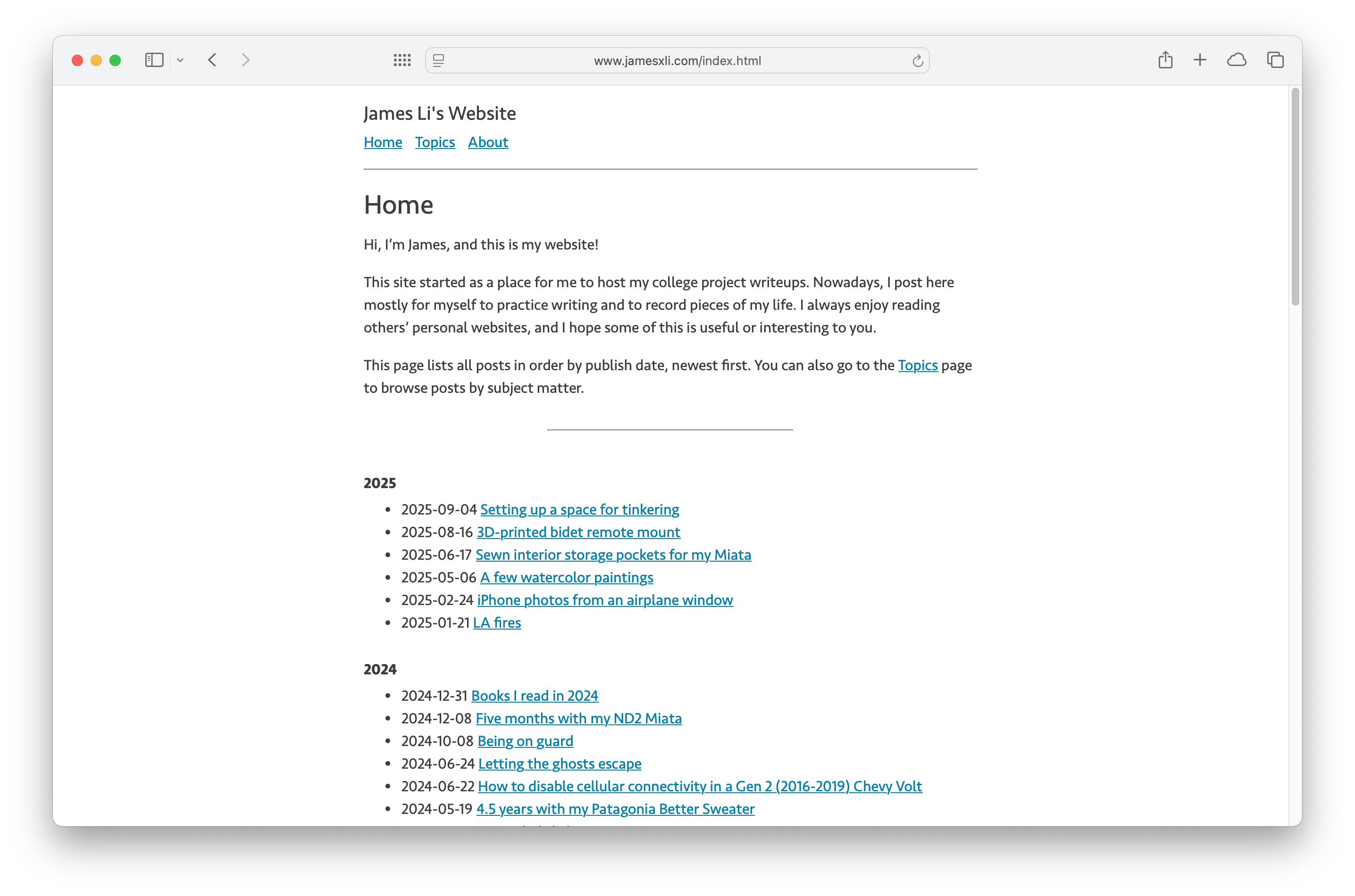
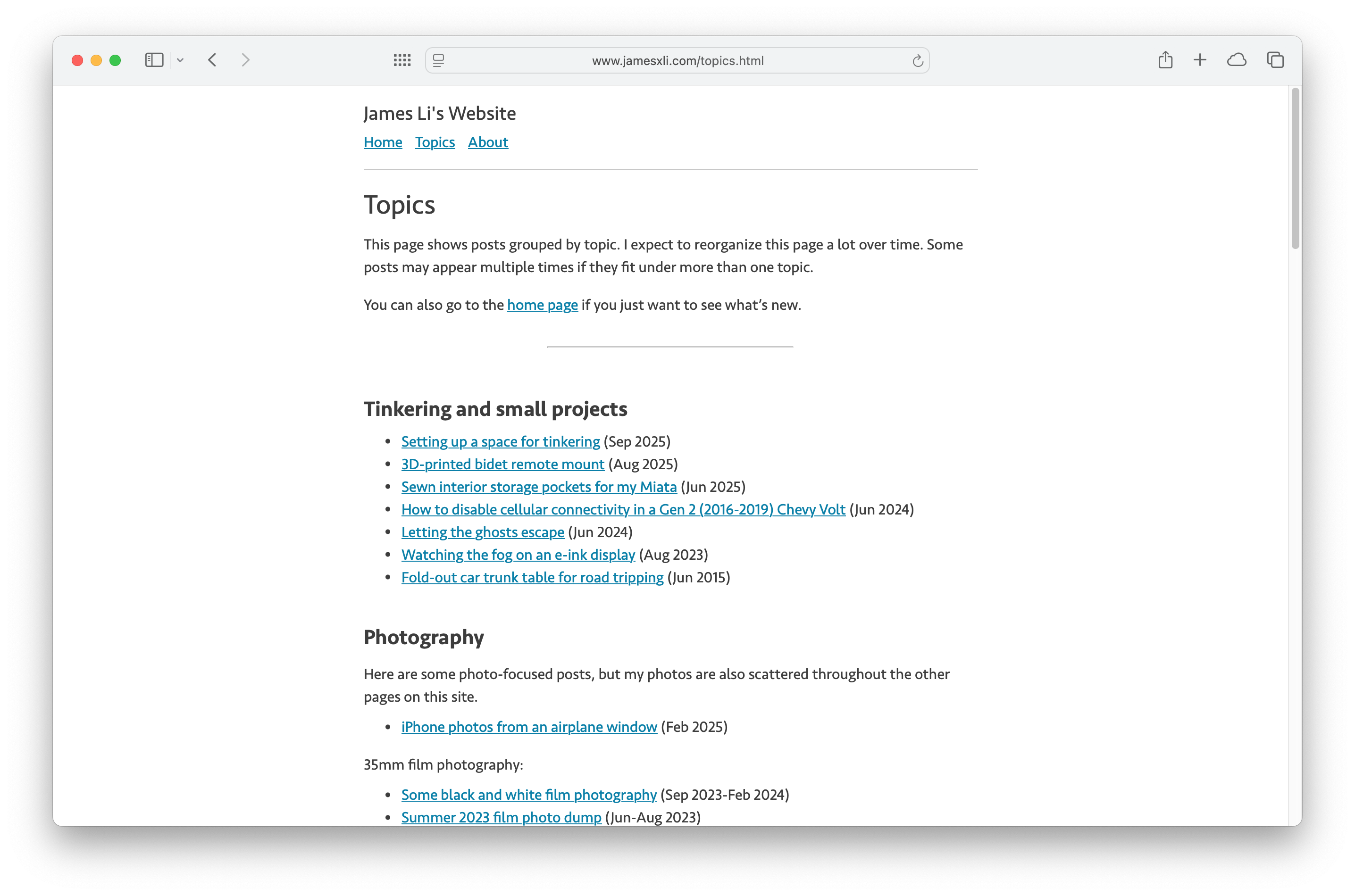
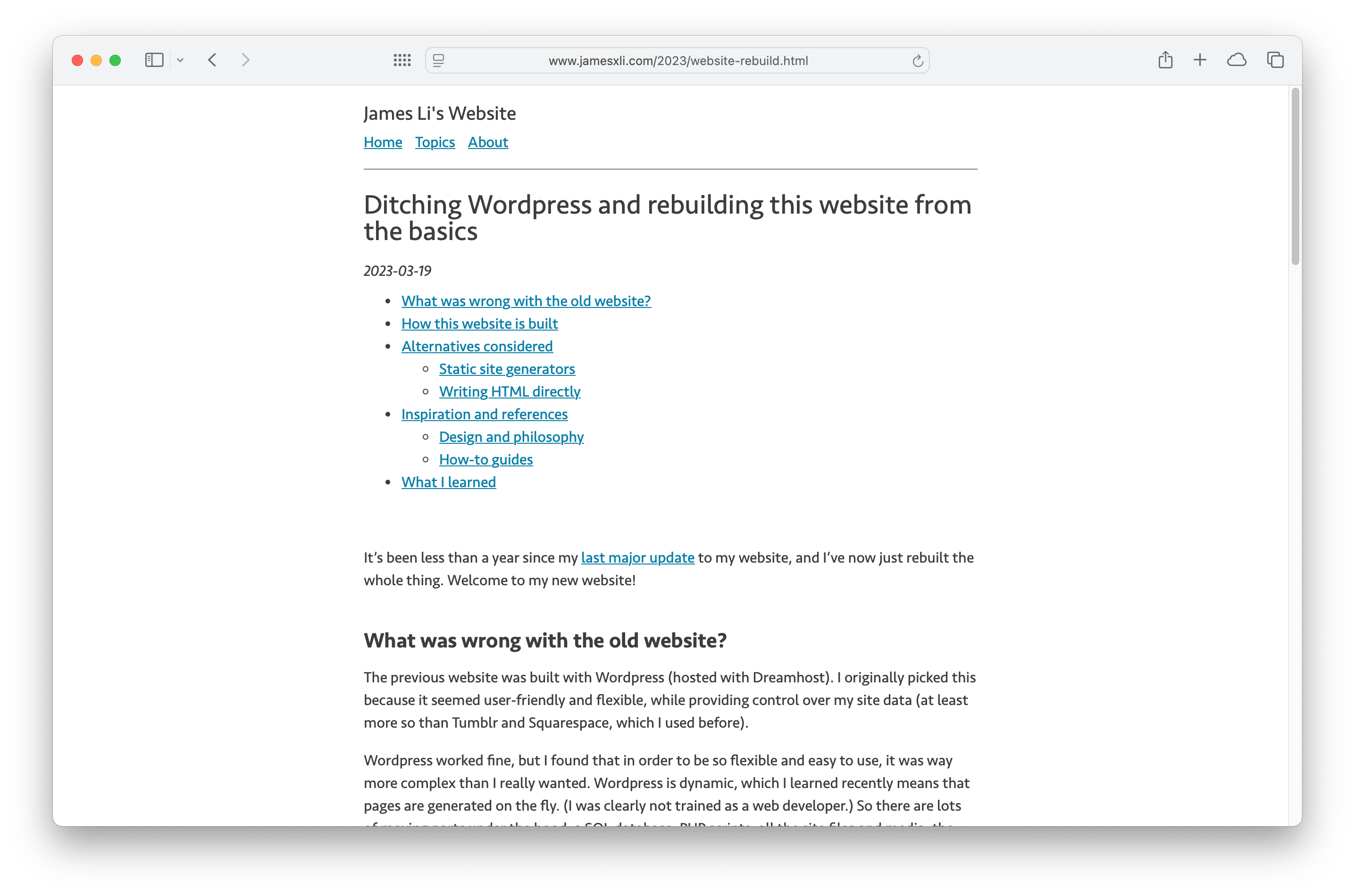
2025-09-09: I'm thinking of making some changes to the website, so in case that happens, here are some screenshots of what the site looks like today:
September 2025: Moved to Eleventy
2025-09-11: I've migrated my website generation from the Pandoc flow described above to one powered by Eleventy.
The new flow proved to actually be a lot more similar than I expected; the workflow is basically the same, but Eleventy replaces Pandoc for converting Markdown files to HTML. I'm still using basically the same CSS and Markdown files, so this website looks mostly the same.
I needed more plugin dependencies to achieve some of the Markdown handling that Pandoc already had built-in, but it's also much easier to add new features like responsive image loading (which I've already done!). I'm also looking forward to adding features like tags and RSS.
I'm very glad, though, that I went through the process of building this website using Pandoc. Pandoc is a lot simpler to get started with, and learning to set things up that way made learning Eleventy much easier.
